Cloud vs On-Premise vs Hybrid ERP: Which Deployment Strategy Fits Your Business Growth?


Let’s Work Together
Summarize this blog post with:

Quick Summary
• Cloud ERP runs on the vendor’s servers. You pay a subscription, get automatic updates, and add users or entities without buying hardware. It suits most growing companies.
• On-premise ERP runs on servers you own. You get full control and deep customisation, but you carry the hardware, security and upgrade work. It suits firms with strict data control rules.
• Hybrid ERP splits the load. Some modules or sites run in the cloud, others stay on local servers, and integrations connect them. It suits multi-plant groups and companies partway through a migration.
• 2026 deadlines matter. SAP ECC mainstream maintenance ends in 2027, Microsoft Dynamics GP support ends on 31 December 2029, and most of India’s DPDP Rules apply from May 2027.
• Simple rule: start with cloud. Move away from it only when a specific legal, technical or cost reason says so, and write that reason down.
Most ERP projects start with a software shortlist. NetSuite or SAP. Business Central or Odoo. But an earlier question shapes your cost, speed and risk for the next decade: where will the system actually run?
You have three choices. Cloud, on-premise, or a hybrid of both. Each one changes who owns the servers, who pays for upgrades, how fast you can open a new entity, and how you meet rules like GST e-invoicing and India’s new data protection law.
Below, you will see how each model works, what it costs over time, and which one fits each stage of growth. You will also get a short framework to take to your CFO or board.
What Is the Difference Between Cloud, On-Premise and Hybrid ERP?
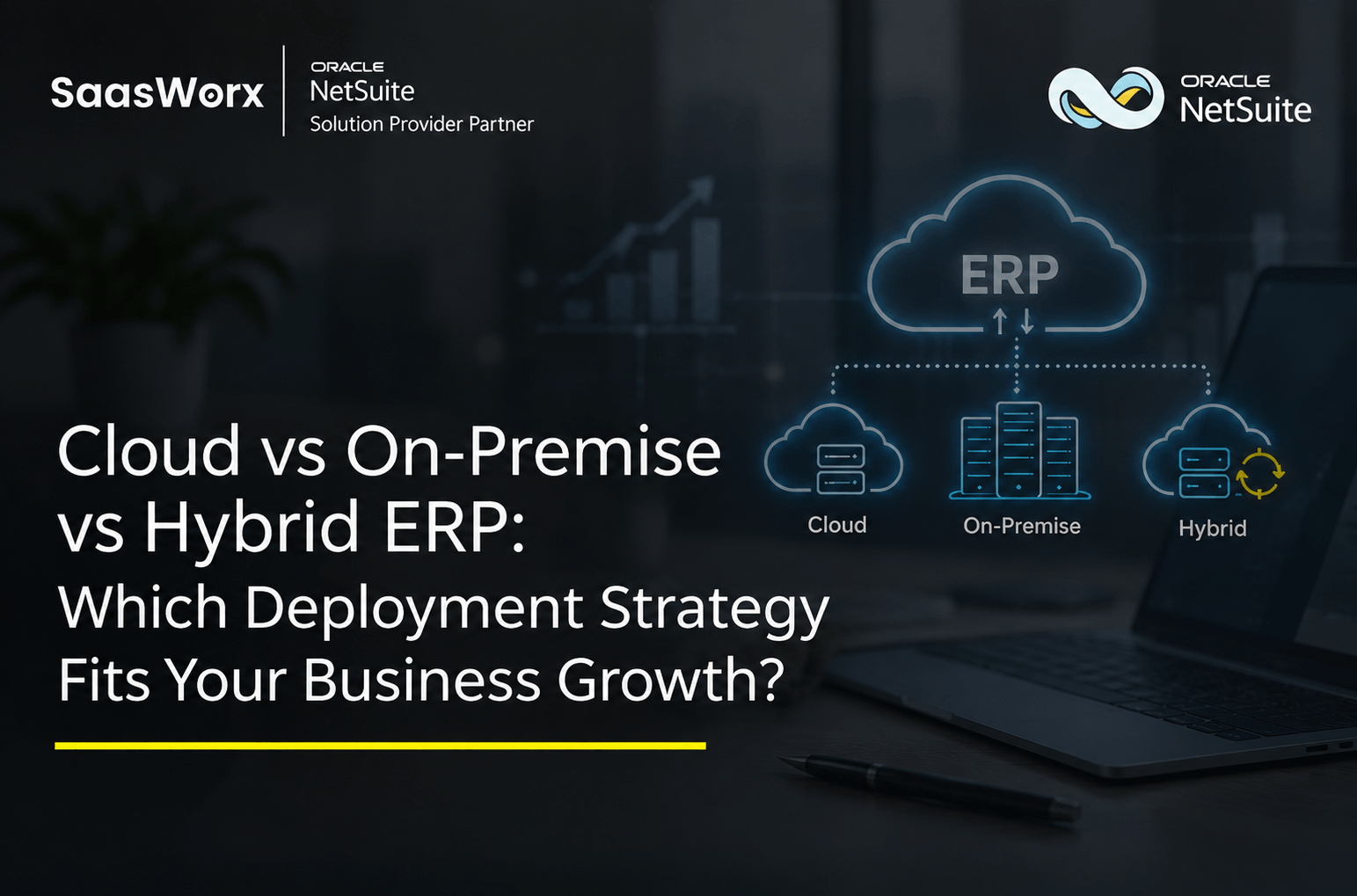
The difference is where the software runs and who looks after it. Cloud ERP runs in the vendor’s data centres and you use it through a browser. On-premise ERP runs on servers you buy and manage. Hybrid ERP mixes the two, with some parts in the cloud and some on local servers, linked by integrations.
Cloud ERP
You pay a monthly or yearly fee per user. The vendor runs the servers, backups, patches and upgrades. There are two main types:
• Multi-tenant SaaS: Every customer runs on the same version, and updates arrive on a fixed schedule. Oracle NetSuite works this way.
• Private cloud: You get your own instance, hosted and managed for you. SAP S/4HANA Cloud, private edition is a common example. You can change more, but upgrades take more planning.
On-Premise ERP
You buy a licence, pay a yearly fee for support, and run the system on your own servers. Your team owns the database, backups, user access and every upgrade.
One point often gets missed. If you put licensed ERP on rented AWS or Azure servers, it still works like on-premise. You skip the hardware, but you still own patches and upgrades.
Hybrid ERP
Hybrid ERP usually takes one of three shapes:
• Two-tier ERP: A large legacy ERP stays at head office while subsidiaries run a lighter cloud ERP, with results rolled up for consolidation.
• Core plus cloud: Finance stays on-premise, while CRM, analytics, e-commerce or HR run as cloud apps around it.
• Transition hybrid: A company moves module by module, so both systems run side by side for a set period.
Where the ERP Market Stands in November 2026
A few data points show how the ground has shifted:
• Vendors have moved to cloud first: ERP Research tracks 61 ERP systems. As of September 2026, 89% offer cloud deployment, 41% offer only cloud, and 56% still sell an on-premise option.
• Hybrid persists in regulated sectors: Forrester analyst Faram Medhora told CIO.com in September 2026 that cloud is now the architectural standard, while hybrid stays the default in many regulated environments.
• India is spending on cloud: Gartner forecasts that end-user public cloud spending in India will grow 28.1% to $17.5 billion in 2026, up from $13.7 billion in 2025.
• Legacy support is ending. SAP ends mainstream maintenance for SAP ERP 6.0 (ECC) at the end of 2027, with paid extended maintenance until 2030 at a 2% premium. Microsoft ends Dynamics GP enhancements, tax updates and support on 31 December 2029, with security patches until 30 April 2031.
For a closer look at Indian adoption trends, see our analysis of India’s ERP market and the shift to cloud.
Cloud vs On-Premise vs Hybrid ERP
• Upfront cost
◦ Cloud: Low. Mostly implementation fees.
◦ On-premise: High. Licences, servers, database and setup.
◦ Hybrid: Medium to high. Both, plus integration.
• Ongoing cost
◦ Cloud: Predictable subscription. Watch renewal uplifts.
◦ On-premise: Maintenance fees, IT salaries, hardware refresh.
◦ Hybrid: Two cost bases plus middleware upkeep.
• Time to go live
◦ Cloud: Usually fastest. No hardware to buy.
◦ On-premise: Slower. Infrastructure comes first.
◦ Hybrid: Depends on how many systems you connect.
• Upgrades
◦ Cloud: Automatic, on the vendor’s schedule.
◦ On-premise: Your project, your budget, your timing.
◦ Hybrid: Split. Cloud updates, local systems wait.
• Customisation
◦ Cloud: Through configuration and approved tools.
◦ On-premise: Almost unlimited, but harder to upgrade.
◦ Hybrid: Heavy custom work can stay local.
• Security and compliance
◦ Cloud: Vendor runs security. You manage access and data rules.
◦ On-premise: You own everything, end to end.
◦ Hybrid: Shared. Gaps often appear at integration points.
• Scaling to new entities
◦ Cloud: Add subsidiaries, currencies and users quickly.
◦ On-premise: Often needs new hardware and licences.
◦ Hybrid: Cloud side scales. Local side lags.
• IT team needed
◦ Cloud: Small. Admins and analysts.
◦ On-premise: Large. Infrastructure, DBA and security.
◦ Hybrid: Medium, plus integration skills.
How Much Does Each ERP Model Really Cost?
Most cost comparisons go wrong in year one. Cloud looks cheaper at the start. On-premise can look cheaper later if you ignore staff time and new hardware. The fair test is the full cost over five to seven years.
• Cloud costs: Subscriptions, implementation, integrations, training, and add-ons like extra sandboxes or storage.
• On-premise costs: Licences, yearly support fees, servers, database licences, a backup site, new hardware every few years, upgrade projects, and the salaries of the people who run it.
• Hybrid costs: A share of both, plus middleware and the ongoing work of keeping two data models in sync.
Budget risk is real in every model. Panorama Consulting’s 2026 ERP Report found that more than a quarter of organisations went over their project budgets, with additional technology needs named as the top cause. Our breakdown of ERP implementation cost and TCO shows where those hidden costs tend to sit.
Which ERP Deployment Fits Each Stage of Growth?
Early-Stage Companies Moving Off Tally, QuickBooks or Zoho
Cloud ERP is the natural fit. You avoid a big upfront spend, go live faster, and get a system that grows with you. Most firms at this stage have no IT team to run servers. If you are unsure whether it is time, read when to switch from Tally or Zoho to a full ERP.
Scaling Mid-Market Companies
Once you add entities, currencies or states, cloud ERP usually pulls ahead. Group reporting and multi-currency books come built in.
Compliance pressure adds weight here. Since 1 April 2025, businesses with an annual aggregate turnover of ₹10 crore or more must report e-invoices to the IRP within 30 days of the invoice date. An ERP that links straight to the IRP, with the vendor keeping that link current, cuts the risk of late uploads.
Manufacturers With Plant-Floor Systems
Hybrid often makes sense. Machine control and quality systems may need instant local response, so they stay on site. Finance, buying and planning move to the cloud. The key is a clean link between the two, which we cover in shop floor ERP integration for manufacturing.
Large Enterprises on Legacy SAP, Oracle or Dynamics
Hybrid works well as a bridge, not a destination. Many SAP customers are behind schedule. A DSAG survey reported by The Register in February 2026 found that about half of German-speaking SAP users expect to miss the 2027 ECC deadline. A planned hybrid phase can buy time without leaving you on unsupported software. Our post on legacy ERP to NetSuite migration challenges covers the common traps.
Companies With Strict Data Control Rules
Some defence suppliers, public bodies and parts of banking still face rules on where data must sit. For example, RBI’s 2018 directive requires payment system operators to store payment data in India. In these cases, on-premise or a private cloud with Indian data residency may still be the right answer.
Is Cloud ERP Secure? Myths vs Facts
• Myth: On-premise is safer by default. Security depends on patches, monitoring and access rules, not on where the server sits. A server in your office that misses patches is a bigger risk than a well-run cloud platform.
• Fact: You still own access and data rules. In cloud ERP, the vendor secures the platform. You still decide who sees what, how roles work and how long data is kept.
• Fact: DPDP applies to every model. India notified the DPDP Rules in November 2025. Most duties, including security safeguards and breach reporting, apply from May 2027. Deployment changes who does the work, not whether the duty exists.
When you evaluate a cloud vendor, ask for its SOC 1 and SOC 2 reports, ISO 27001 certification, data residency options, backup locations, and breach notification terms. Then put those answers in the contract.
A 6-Question Framework to Choose Your ERP Deployment
Answer these in order. The first clear "yes" usually decides the model.
1. Does a law or contract require data to stay on your own servers? If yes, choose on-premise or private cloud.
2. Do any systems need instant local response, such as machine control? If yes, plan for hybrid.
3. How many entities, currencies or locations will you run in three years? The more you add, the stronger the case for cloud.
4. Do you have an in-house team to patch, back up and upgrade? If not, cloud removes that load.
5. Are your customisations a real competitive edge? If yes, check whether cloud tools can deliver them. If they only copy old habits, drop them.
6. When does your current vendor’s support end? Work back from that date to set your timeline.
If you answered "no" to the first two questions, cloud ERP is your default. Use our ERP selection checklist and ERP RFP template for Indian companies to take the next step.
Common Mistakes to Avoid
• Moving heavy customisations to the cloud as they are. Rework the process first, then configure.
• Treating hybrid as permanent by accident. Give the integration layer a named owner, a budget and an end date.
• Comparing only year-one costs. Model five to seven years, including staff time.
• Leaving data migration to the end. Clean and map data early, using a data migration checklist.
• Ignoring the people side. Most delays come from process and change issues, which our post on top ERP implementation challenges covers in detail.
Frequently Asked Questions
Is cloud ERP cheaper than on-premise ERP?
Cloud ERP almost always costs less upfront because you skip hardware and large licence fees. Over five to seven years, the gap depends on user count, IT salaries and hardware refresh cycles. Once you include staff time and upgrade projects, most growing businesses find cloud costs less or about the same.
Is cloud ERP safe for Indian businesses under the DPDP Act?
Yes, if you choose a vendor with strong security controls and clear contract terms. The DPDP duties apply whether your ERP runs in the cloud or on your own servers. Ask the vendor about data residency, breach notification timelines and its SOC 2 and ISO 27001 reports.
When does hybrid ERP make sense?
Hybrid ERP makes sense when part of your operations needs local control, such as plant-floor systems, or when you are moving off a legacy ERP in phases. It works best with a clear integration owner and a defined end state.
Can I move from on-premise ERP to cloud ERP in phases?
Yes. Many companies move finance first, then procurement, inventory and other modules. During the transition, both systems run side by side with integrations keeping data in sync. A phased plan lowers risk but needs strict data governance.
How long does a cloud ERP implementation take?
It depends on scope, entities and data quality. ERP Research found a median of six months across 306 published projects, though these were projects vendors chose to publicise. Multi-entity or heavily integrated rollouts usually take longer.
Choosing the Right Foundation for Growth
No single answer fits every business, but there is a sensible default. Cloud ERP fits most growing firms because it scales with new entities and takes upgrades off your plate. On-premise still earns its place where data rules demand it. Hybrid is a good bridge when plant systems or support deadlines make one big move risky.
Whatever you choose, base it on your growth plan for the next three to five years, not on the system you run today. The SaasWorx team has delivered 110+ NetSuite implementations across India, the US and the UAE, and often starts by mapping a company’s current setup against these questions. If you want an outside view of where your ERP stands, a free ERP health check is a practical place to begin, or you can explore our Oracle NetSuite ERP consulting services.